



Exporting Scenes from Unity
.abscenes are the model file format Modest Tree uses to produce multi-platform models as a scene. Abscenes are unity scenes exported as .abscene archives, they contain all the data required for a scene which includes 3d models, textures, animations, light maps and any other data required for the scene to be loaded at runtime. They can be exported for WebGL, Windows, Android, iOS, and MetaQuest.
AbScene Exporter Plugin
The Abscene Explorer Plugin allows you to access the "Modest Tree Export" options when right clicking on a scene in Unity. This will allow the modelling team to export scenes from Unity that can be used directly in Modest Tree Xplorer. You can download the plugin here Follow the guide below for installing and using the exporter plugin.
Installing the plugin
- Download the plugin from the above link.
- Open the modeling project In Unity that you would like to export.
- Open the Project tab within Unity Editor.
- Open Windows File Explorer to the folder that contains the downloaded plugin.
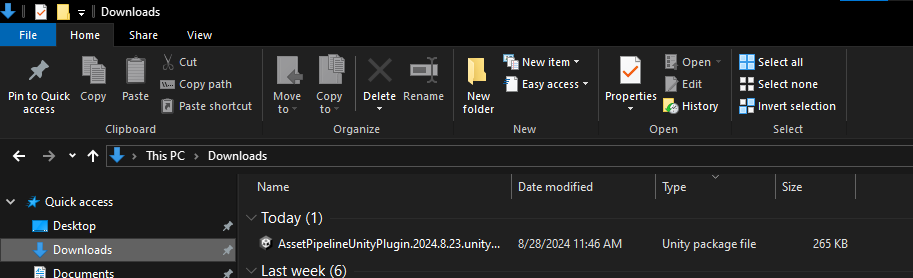
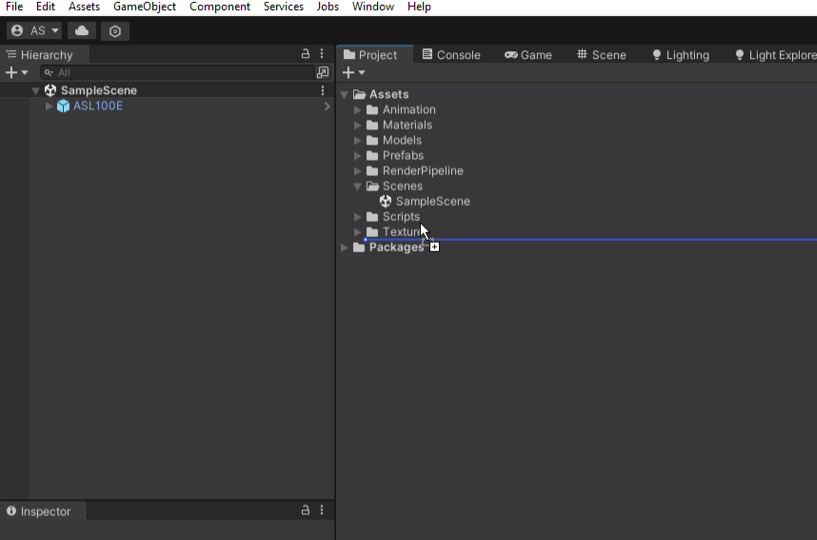
- Click on the plugin and drag and drop it into the Unity Project Tab. It doesn't matter where you put it as long as its within the Project window.
- You will see a popup for importing the plugin.
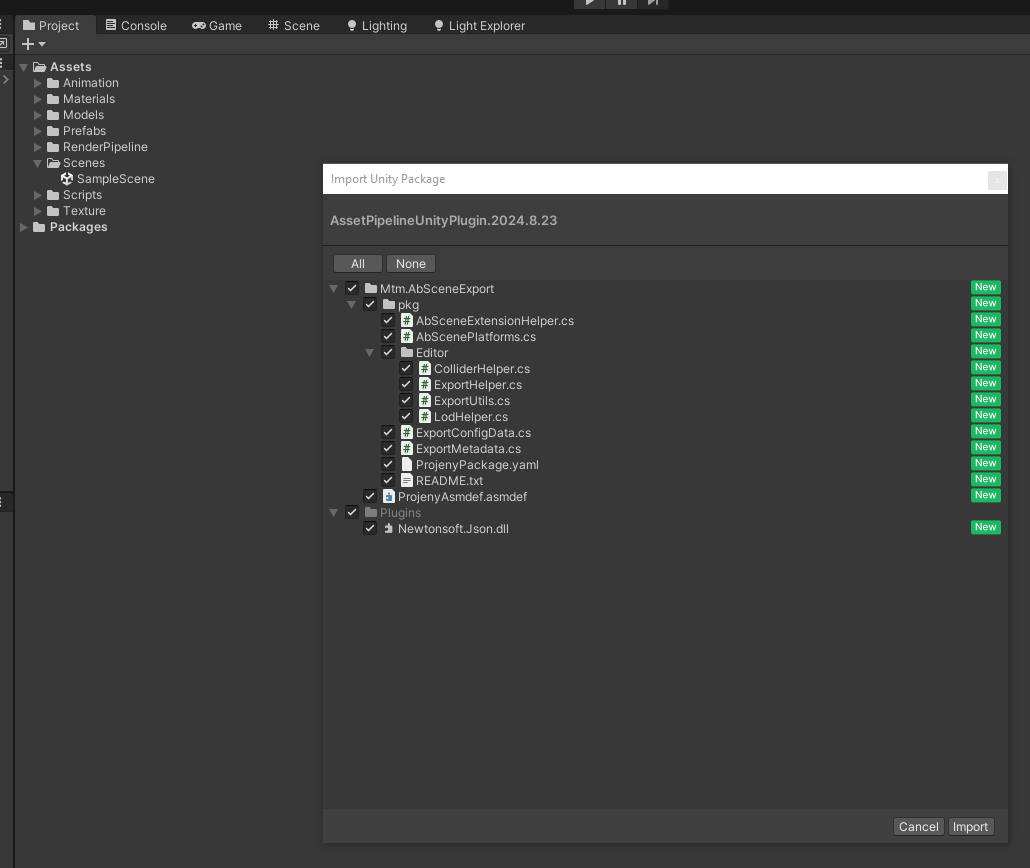
Keep the selection as it is and click on the import button in the bottom right.
This finishes the import process of the plugin and once Unity finishes compiling the plugin you would now have plugin functions available to you.
How to export using the plugin
- After the plugin is installed now you have new file menu options available.
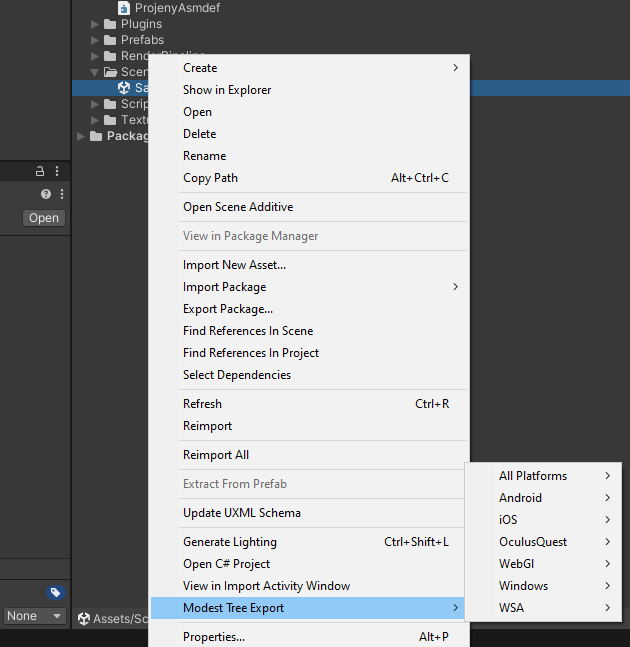
- Right click on the unity scene file and you will see the
Modest Tree Exportoption. - Click on
Modest Tree Exportand then select which platform you would like to make ex. Windows. - Then select the type of export, usually we recommend
Single Model Uncompressed. Compressed will make the model download faster but it will take longer to load lessons in Xplorer after download. Uncompressed will be a longer model download but will load quicker in Xplorer. SoModest Tree Export > Windows > Single Model Uncompressedwould export an uncompressed scene for PC platform.
- Choose the file location to save the exported model file.
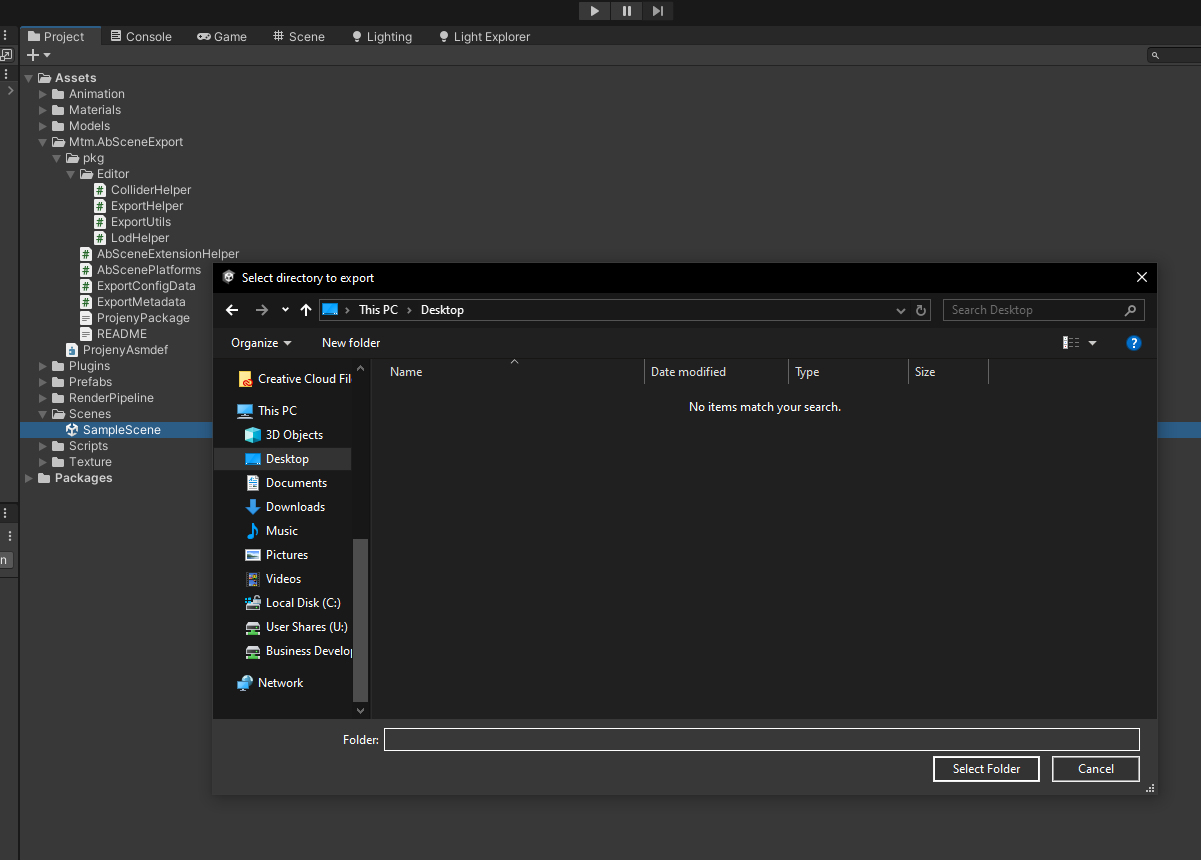
- Click on
Select Folderbutton in the bottom right corner. - Once you finish exporting you will have an abscene file in the file location you selected.
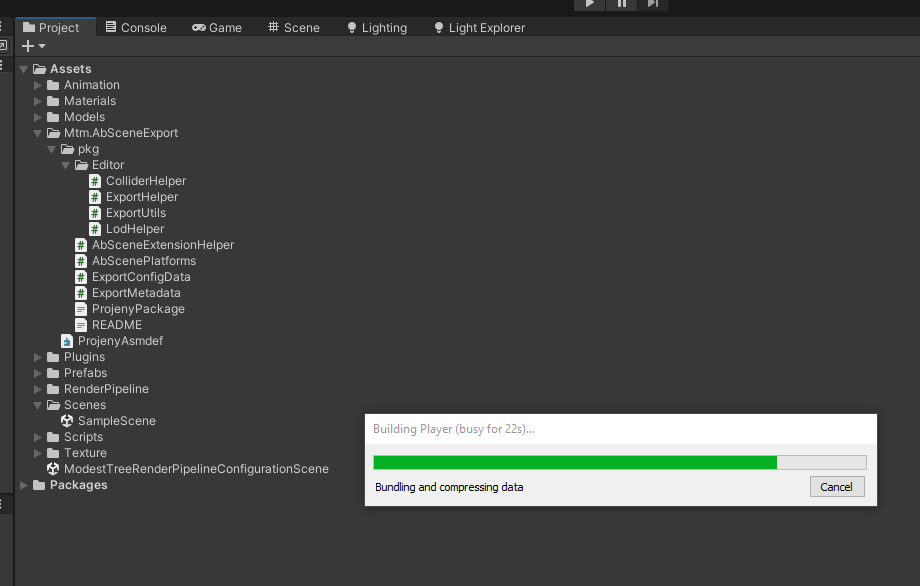
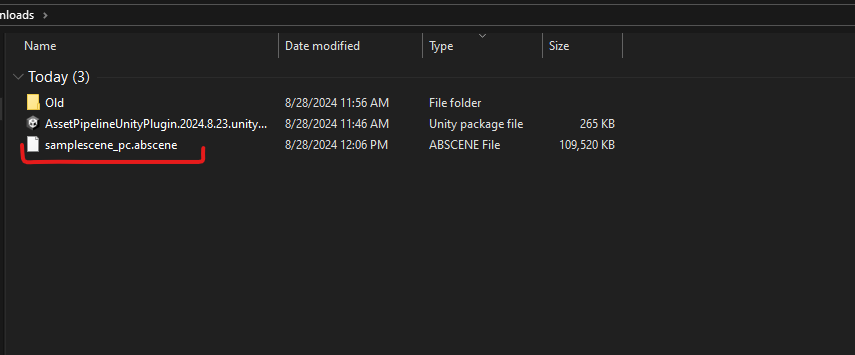
How to export multiple scenes or platforms simultaneously
After the plugin is installed now you have new file menu options available.
Select all the unity scenes you want to export. Right click on the unity scenes file and you will see the
Modest Tree Exportoption.Click on Modest Tree Export and then select
Open Export Helper.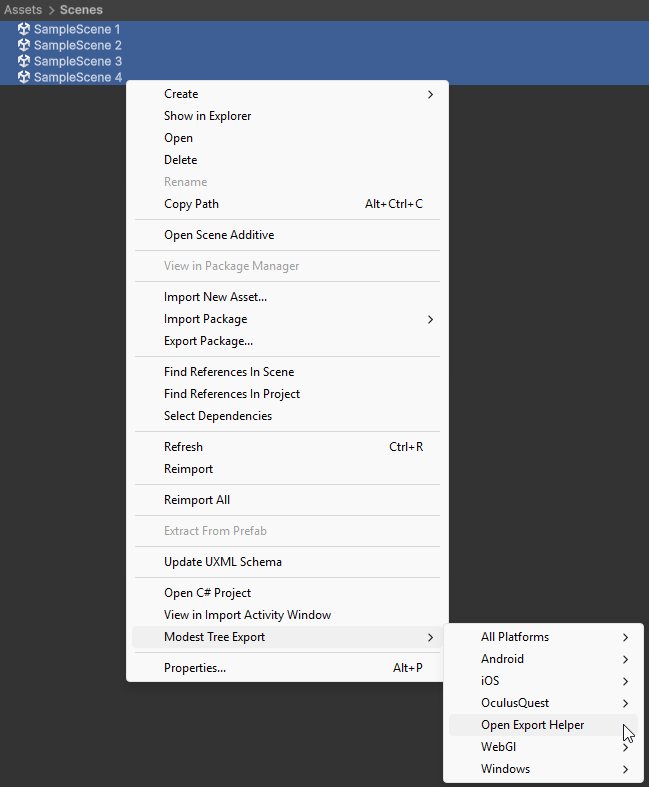
his will bring up a new menu. Select all of the platforms you would like to export for and click
Export. (We recommend leaving the scenes uncompressed for faster load times)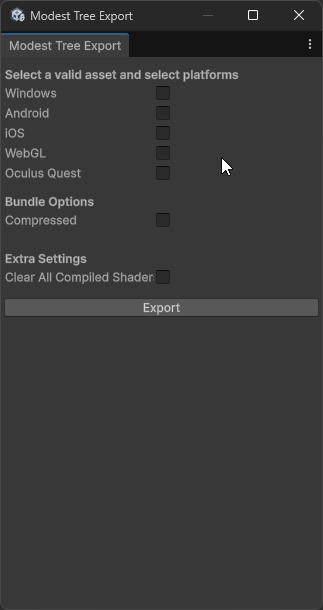
Choose the file location to save the exported model file.
Click on
Select Folderbutton in the bottom right corner.Once you finish exporting you will have abscene files in the file location you selected.